
How do I change/update my bank account?
Edited
You will need to log in to your account on GrabOne Partner Portal to change your bank account details.
Once logged in you need to click on Settings then Partner Details in the left hand sidebar. Scroll down to Bank Information to update and click Save Changes once done.
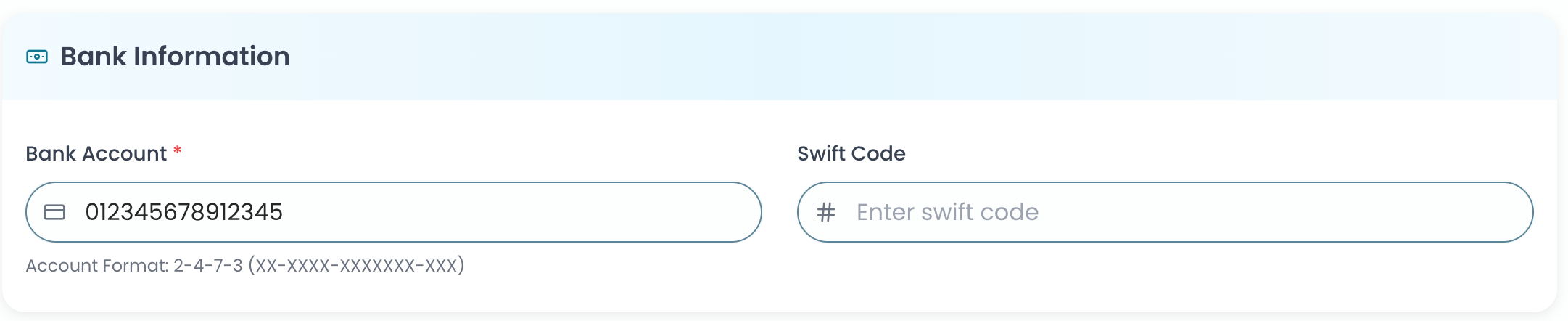
Please note: the GrabOne Partner team or GrabOne Account Manager team cannot update bank account details on your behalf for security purposes. GrabOne takes no responsibility for incorrectly entered payment information, please ensure the information you have provided is correct.
GrabOne Payment
Bank Account Change