
How do I log into GrabOne Partner Portal?
Edited
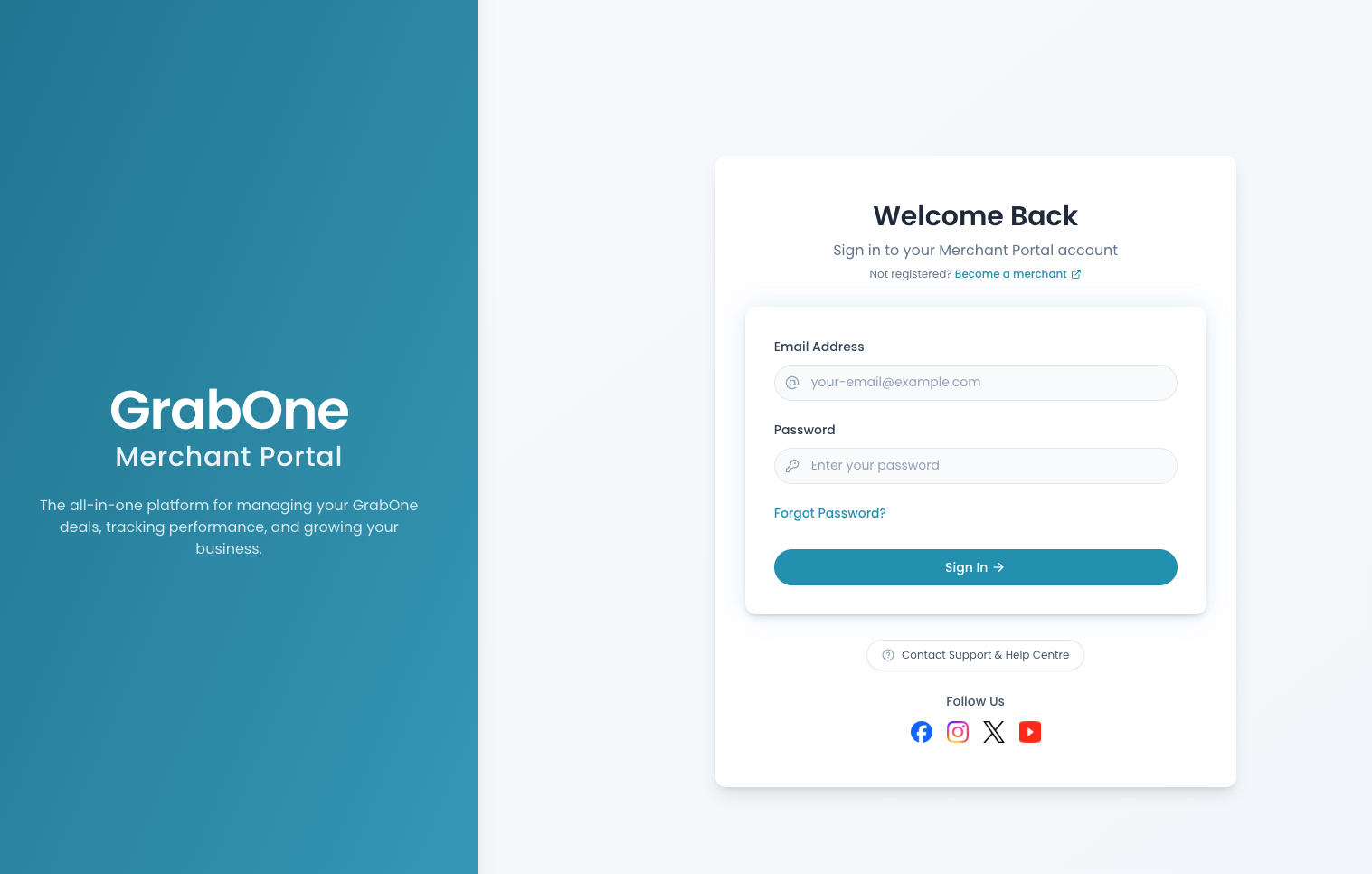
Log in to the GrabOne Partner Portal here using your email and password - this will be emailed to you the first time you get set up with GrabOne.
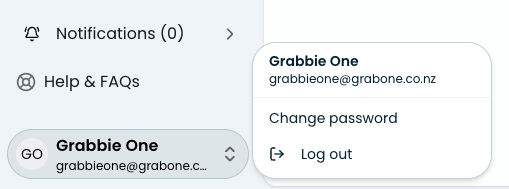
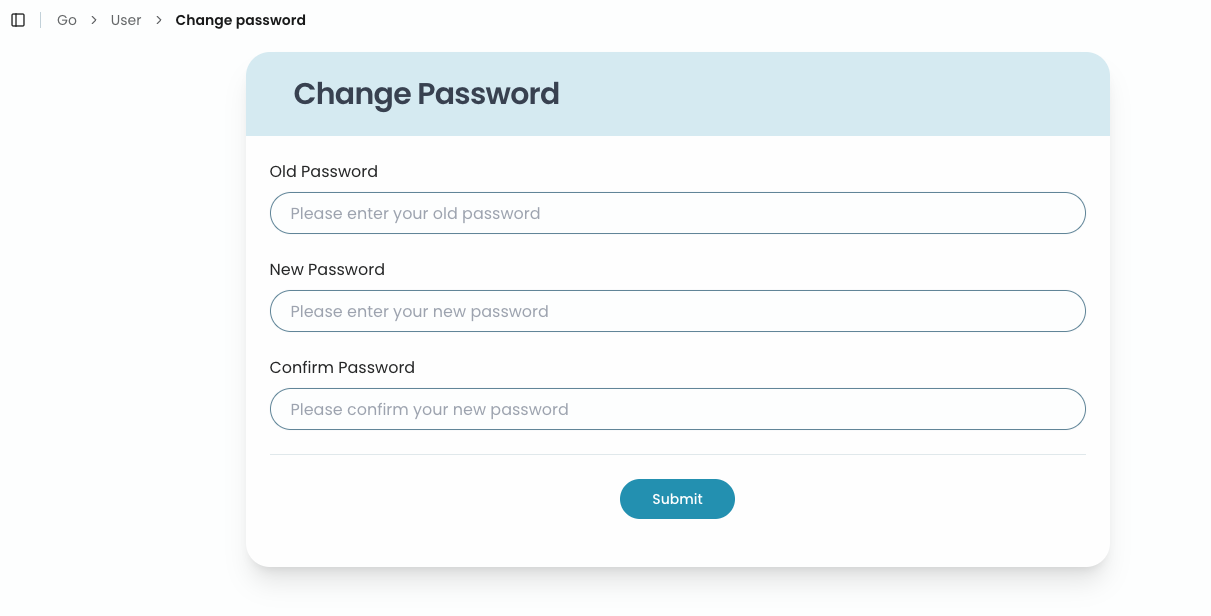
Once you're logged into your account, you can update your password yourself if you wish! Simply click on your user account at the bottom left of the page and click Change Password.
Follow the prompts to amend your password and click Submit.
Trouble logging in?
If you are struggling to change your password or get into your GrabOne Partner account, please let our Partner Support team know so we can help you get into your account! Email us at: partner.support@grabone.co.nz
Logging in
Partner Portal