
Features of the GrabOne Partner Portal
Welcome to the new GrabOne Partner Portal! This is your home for all things GrabOne Partner!
Here you'll be able to:
Complete your Account Application
View pending, current and completed deals
Redeem GrabOne Coupons
Update your Partner Details
Review GrabOne payment statements.
Complete your Account Application
When you join GrabOne as a Partner, you'll be asked to fill out a Account Application to get the ball rolling.
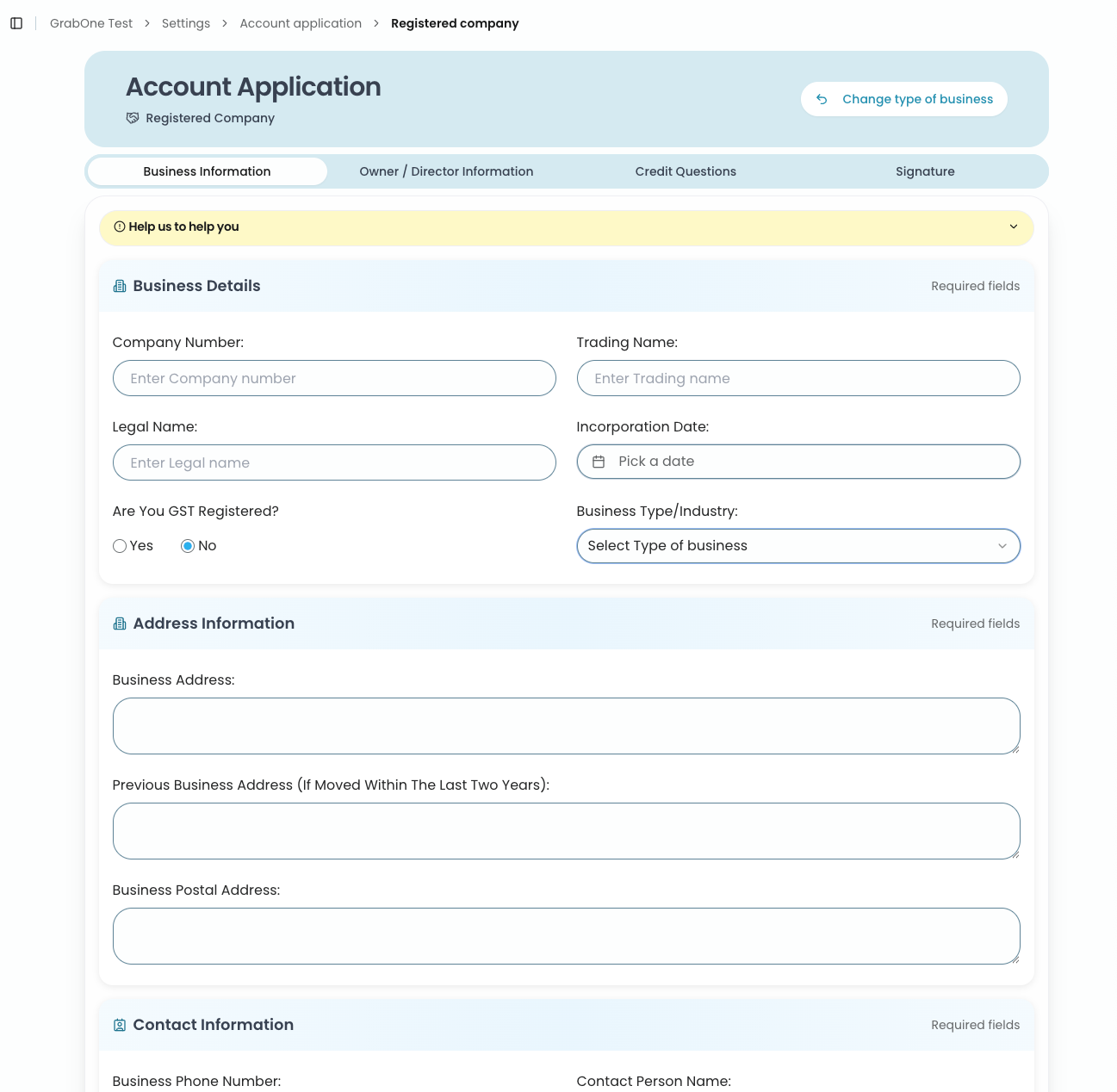
We need this information to complete the set up of your GrabOne Account and deal. It also allows us to pay you once your deals have finished.
If you provide incorrect or incomplete information we will have to pester you down the track, which will slow up the process. Rest assured your info will also be protected at all times by GrabOne.
View pending, current and completed deals
Head to the section labeled Deals and select All Deals to access a overview of your pending, current, and completed deals.
You will also have the opportunity to redeem any valid coupons and view the details of each deal directly on the GrabOne website.
Additionally, to streamline your experience, you can use the search function to find specific deals by entering the Deal Title.
Redeem GrabOne Coupons
More information surrounding how you can redeem coupons can be found here: How to Redeem GrabOne Coupons
Update your Partner Details
To update your saved Partner details, head over to Settings. Here, you'll see a drop down menu appear. In Settings, you can update your Partner Details, Locations, Users, Account Application and API Access.
Review GrabOne payment statements
Head over to Statements in the GrabOne Partner Portal to locate your GrabOne Deal payment statements.
You can view or download these statements from the GrabOne Partner Portal. If you are looking for a specific statement, search by payment reference.